
The Complete SEO dashboard
The dashboard at dash.completeseo.com shows the numbers behind the work we do for you, in one place and updated every day. It’s view only, so nothing you click changes your website, your accounts, or your data.
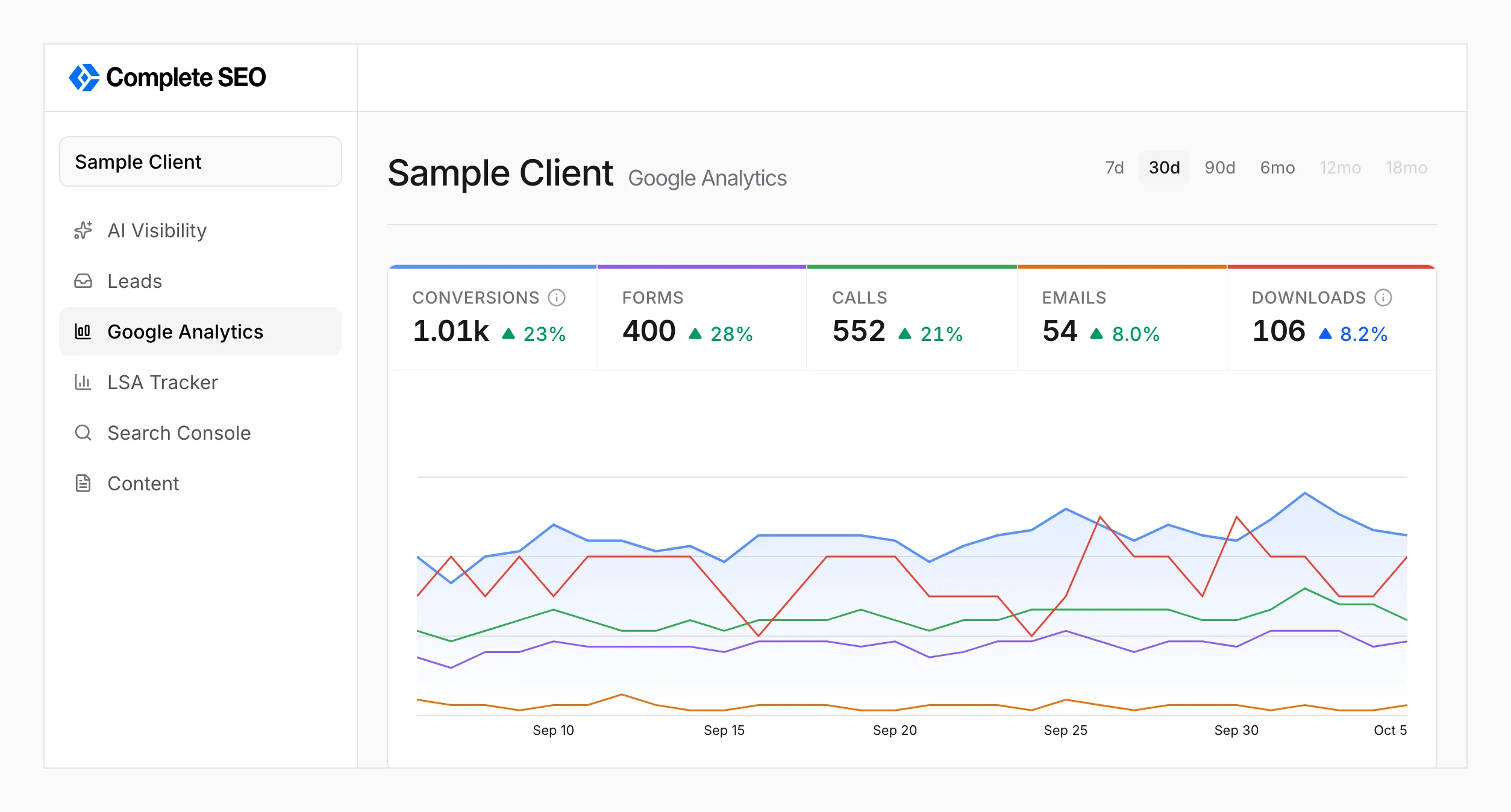
The screenshots in these docs come from a sample business with made-up numbers.
Signing in
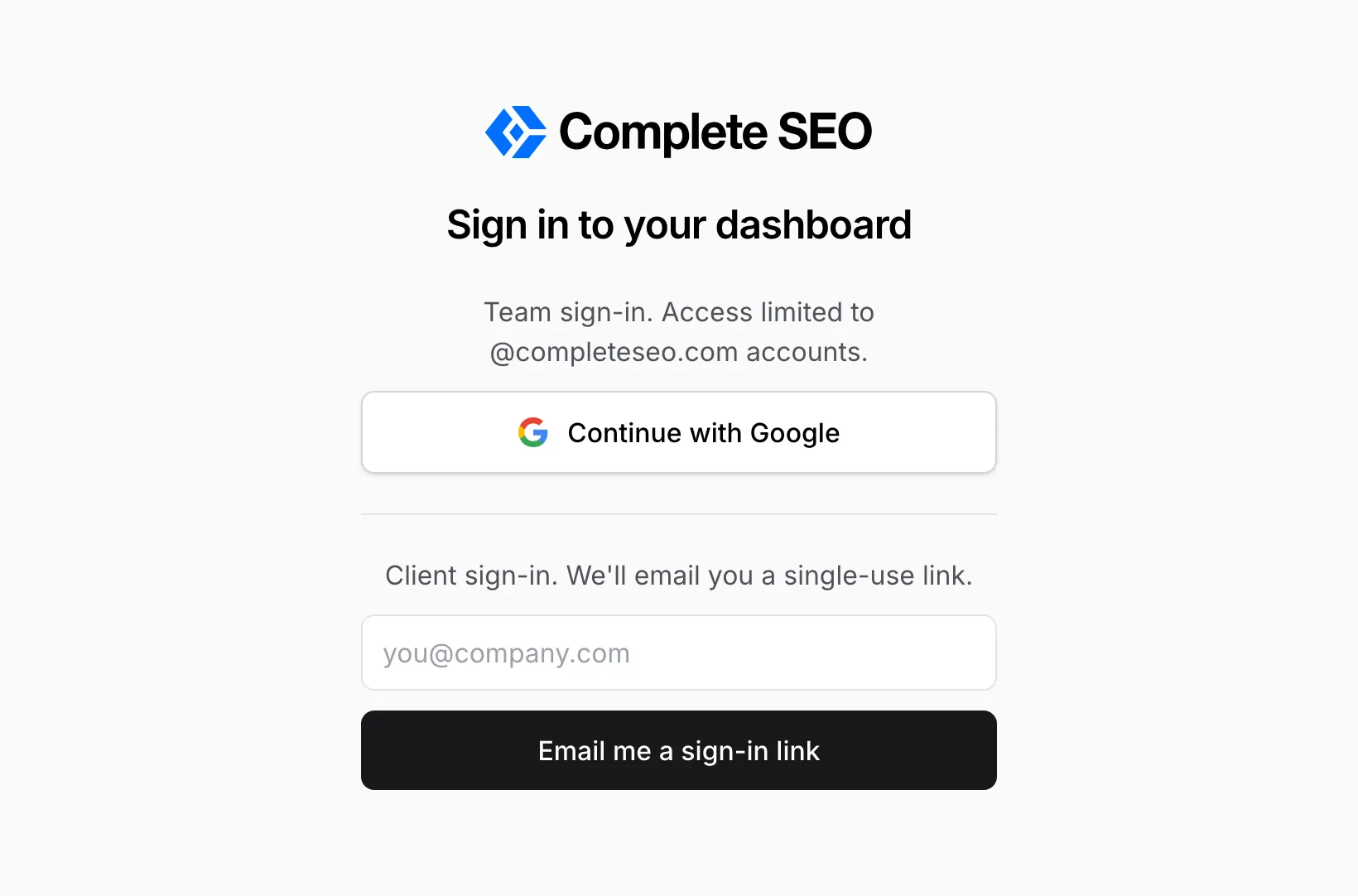
Section titled “Signing in”There’s no password. We add you, and the dashboard emails you a link that signs you in.
- The first email has the subject “You have access to the Complete SEO dashboard.” The link in it works for 7 days.
- After that, go to dash.completeseo.com/login, enter your email address under Client sign-in, and press Email me a sign-in link. That link works once, for 15 minutes.
- You stay signed in for 30 days on that browser, then you request a new link the same way.
The Continue with Google button is for our team. If a link has expired or was already used, the page says so, and you can request a new one from the sign-in page with the same email address.
We add people on request, as many as you need. If you look after more than one business with us, one sign-in covers all of them, and you switch between them from the name at the top left.
What’s in it
Section titled “What’s in it”Each section has its own page in these docs. Which sections you see depends on the work we do for you, and a section with nothing to show yet stays hidden instead of showing an empty screen.
| Section | What it shows |
|---|---|
| AI Visibility | How often AI assistants like ChatGPT name your business, and the visitors they send to your site |
| Google Analytics | Leads from your website, traffic from Google search, and how visitors reach your most important pages |
| Search Console | Clicks and impressions from Google search, the searches you show up for, and where you rank |
| Leads | Every form and call we track, one by one |
| Content | Articles we’ve written for you to review and approve |
Other sections, such as LSA Tracker, Google Ads, Business Profile, Local Grid, and Reputation, appear when they’re part of your work with us.
Date ranges
Section titled “Date ranges”Most sections have a row of ranges at the top right: 7 days, 30 days, 90 days, 6 months, and longer. Every section opens on the last 30 days, and most numbers are compared with the 30 days before. Ranges a section can’t show yet are grayed out, and hovering one says how far back that section goes. The range you pick carries over as you move between sections.
When the numbers update
Section titled “When the numbers update”| Section | Updates |
|---|---|
| AI Visibility | Each morning, as the day’s AI answers come in (weekly or monthly on some plans) |
| Google Analytics | Once a day, around midday Central time. Some cards ask Google Analytics for fresh numbers each time you open them |
| Search Console | Every afternoon. Google’s search data runs 2 to 3 days behind, so the latest days are always empty |
Ranges end today, and today is never complete. A number for “the last 30 days” includes today’s partial day.
Why the numbers can differ from other tools
Section titled “Why the numbers can differ from other tools”Google Analytics. The dashboard counts visits from the countries your business serves, plus visits Google couldn’t place. Google Analytics’ own reports count every country, so they run higher, often much higher on sites that get bot traffic from overseas.
CRMs. Many CRMs count every new contact as a lead, including contacts they create on their own from email conversations. The dashboard counts people who contacted you through your website, so a CRM’s lead count is usually higher.
Search Console. Google leaves rare searches out of its reports to protect searchers’ privacy. Totals include those clicks, but the lists of searches don’t, so a list never adds up to the total.
Using it
Section titled “Using it”The dashboard is built for a computer screen, and it follows your device’s light or dark setting. Hover over any ⓘ next to a heading for a short explanation of that card.
You can’t change settings yourself. To add a key page, track a new question in AI Visibility, add a person, or ask about a number, reply to any email from the dashboard and it reaches our team.