# Make high-quality GIFs with Claude Code
> How we make short looping GIFs and videos for social posts with Claude Code, from a one-line idea to a file that's ready to post.
Source: https://completeseo.com/docs/claude-code/gifs/
We make the animations for our posts with Claude Code. Each one starts as a sentence, like "the Astro logo takes off like a rocket," and ends as an MP4 and a GIF. Our last one took 22 minutes from an empty folder to the finished GIF, with five concepts along the way.
There's no video editor involved. Claude Code writes the animation as a web page, records it frame by frame, and looks at its own frames before it shows you anything.
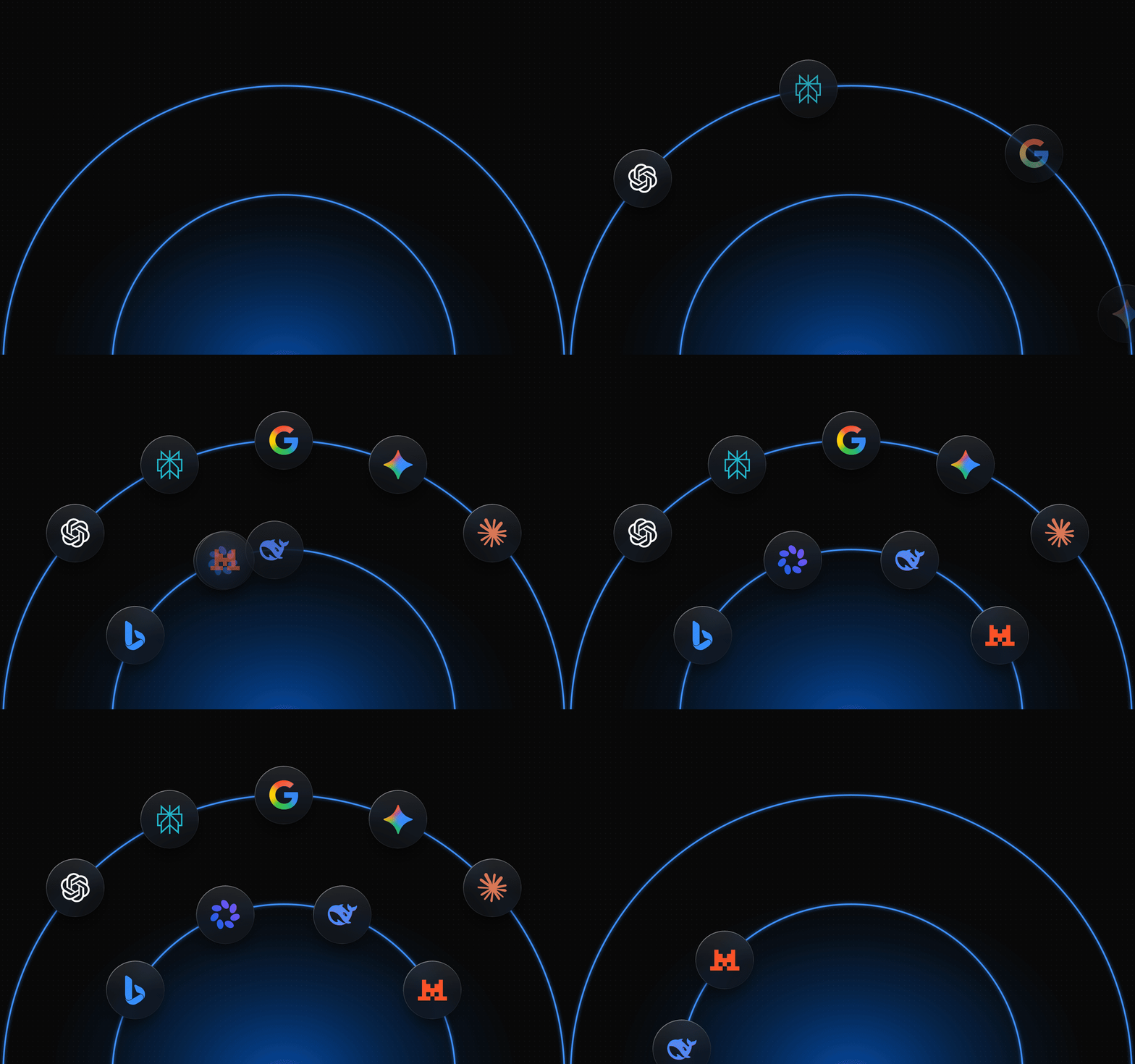
From AI visibility tools. The logos slide onto two orbits and keep circling. Each ring holds two copies of its set, so the loop repeats after half a turn.
## How it works
Every animation is a web page with one function that draws the whole scene at a given moment. Ask it for 2.4 seconds and it draws 2.4 seconds, the same way every time. A still for review is one moment, and the finished animation is every moment at 25 frames a second.
A headless browser opens the page, steps through the moments, and saves a screenshot of each. ffmpeg, a free command-line video tool, turns the screenshots into an MP4 and a GIF.
Because the scene is code, you change it in plain words. "Slow the ending down" or "start the glitch once he reaches the right side" is one message and a minute of re-rendering.
From Astro vs WordPress. The Astro mark rises in, hovers with its flame flickering, and launches out the top.
The scene can start from almost anything.
- **A page we already built.** Our featured images are web pages, so Claude Code animates the real image without editing it.
- **A screenshot.** It rebuilds the parts that move and draws them over a clean copy of the screenshot.
- **A character.** We generate it with Google's Gemini image model, cut it out, and move the pieces in the page.
From How AI search works. Each tile's logo does its own move in a quick wave from the top left. The motion runs on the post's featured image, which was never edited.
## Setup
Copy this into Claude Code. It installs what's missing and sets up a folder to make GIFs in.
```text
Set up a GIF lab in ~/gif-lab for making short looping animations.
Install anything that's missing: Node, ffmpeg (brew install ffmpeg),
and Playwright with its Chromium (npm i -D playwright, then
npx playwright install chromium).
Build every animation as scene.html, a page that sets window.D
(the loop length in seconds) and window.render(t), which draws the
whole scene at time t. Same t, same frame, every time. No CSS
transitions or timers. Everything is computed from t.
Write render.mjs. It opens scene.html in headless Chromium at the
output size, calls render(i / 25) for every frame of the loop, and
saves each screenshot to frames/0000.png, 0001.png, and so on.
Then it runs:
ffmpeg -framerate 25 -i frames/%04d.png -c:v libx264 \
-pix_fmt yuv420p -crf 18 -movflags +faststart out.mp4
ffmpeg -framerate 25 -i frames/%04d.png -vf \
"split[a][b];[a]palettegen=max_colors=128[p];[b][p]paletteuse=dither=sierra2_4a" \
-loop 0 out.gif
When I describe a GIF, show me three to five concepts first as stills
on one contact sheet, four frames each, and wait for my pick. Open the
key frames at full size and check them yourself before you show me
anything. Remember this as a standing instruction.
```
After that, describe the GIF you want.
## How a round goes
- **Start with one idea.** The motion should act out the point of the post. If the post is about a number, the number counts up.
- **Pick from stills.** Three to five concepts on one contact sheet take seconds to judge, and nothing has been animated yet.
- **Let Claude Code check its own frames.** It can open the images it renders. A contact sheet is too small to show a seam or a line in the wrong place, so it checks the key moment at full size.
- **Animate the pick, then adjust in words.** Speed, timing, and what happens at the end.
- **End the loop cleanly.** Repeat on the subject's own symmetry, or end on a beat like a cut to black and start again.
## Which format goes where
- **X and Facebook.** The MP4.
- **LinkedIn.** The GIF. It stays animated, including when you post through LinkedIn's API.
- **Texts.** The GIF. iMessage plays it inline and loops it. A smaller copy travels better as a regular text message.
- **Websites.** Either one. A GIF is the simplest. An MP4 in a video tag that autoplays muted and loops is lighter, and for our article loops it came out two to four times smaller.
## Keeping GIFs small
- **Build a palette first.** A GIF frame holds at most 256 colors. The palettegen and paletteuse steps in the setup pick the best ones from your actual frames.
- **Flat colors compress best.** Dark, flat images come out tiny. Gradients, glows, and glassy effects get heavy fast.
- **Draw pixel art at its real size.** Draw it small, scale it up with nearest-neighbor, and turn dithering off. Our 216-pixel scene came out at 1080 pixels and 0.9 MB for 7.5 seconds.
- **Keep loops short.** Six seconds is plenty for most ideas.